How I Built a Fall Detection App with Kotlin
The Problem
One evening, my grandfather fell at home. He was alone, and he could not reach his phone. He lay on the floor for a while before someone came to help.
Later, I learned that Apple Watch has a fall detection feature. When it detects a hard fall, it can automatically call for help. But most people, including my grandfather, do not own an Apple Watch. The feature only works if you can afford a $400 device.
I thought: what if I could build something similar using just a phone?
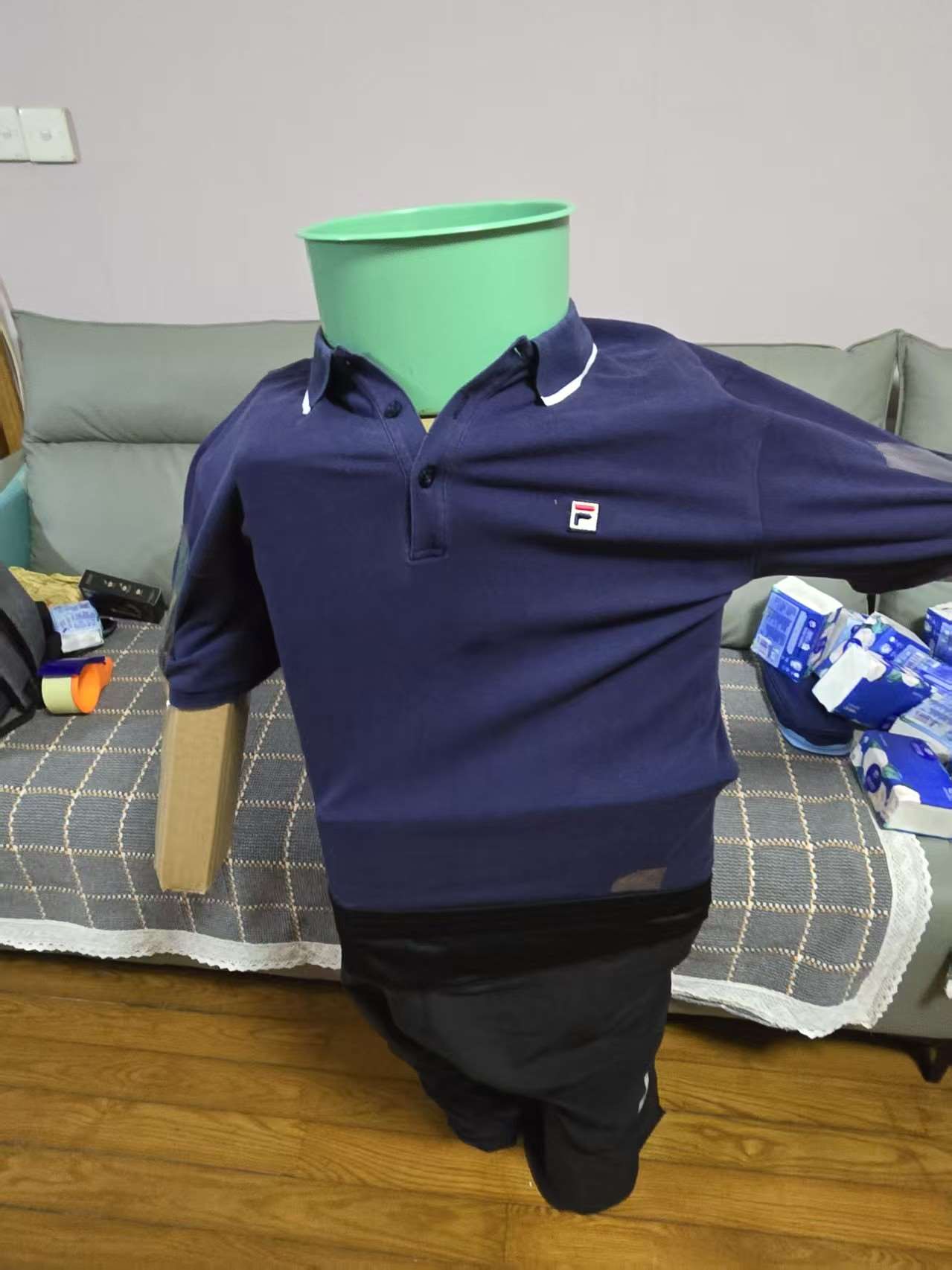
Figure 1: Test dummy setup for fall simulation experiments.
How It Works
Every smartphone has an accelerometer. It measures the forces on the phone: you know, the thing that lets your screen rotate when you tilt your phone.
A fall has a clear acceleration pattern. When you trip, your body first accelerates downward (gravity pulls you). When you hit the ground, you get a sharp spike. Then there is a period of near-zero movement: you are on the floor, not moving.
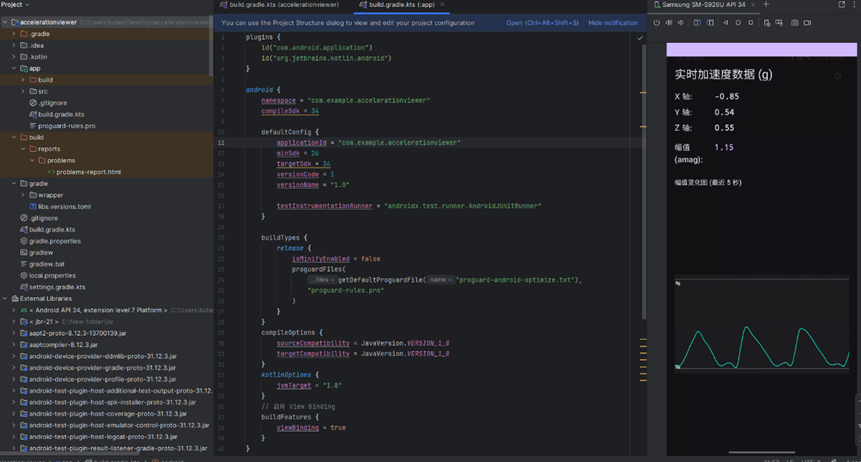
Figure 2: Real-time acceleration viewer monitoring 3-axis readings and resultant magnitude.
I built an app that keeps watching the accelerometer. When it sees this pattern (a downward spike, then stillness), it sets off an alarm. You can dismiss it (if you just dropped your phone) or let it send an emergency message by itself.
Building It
I taught myself Kotlin for this project. I had some experience with C from a previous competition, but Kotlin was different. The syntax was cleaner, and Android's development environment had its own quirks.
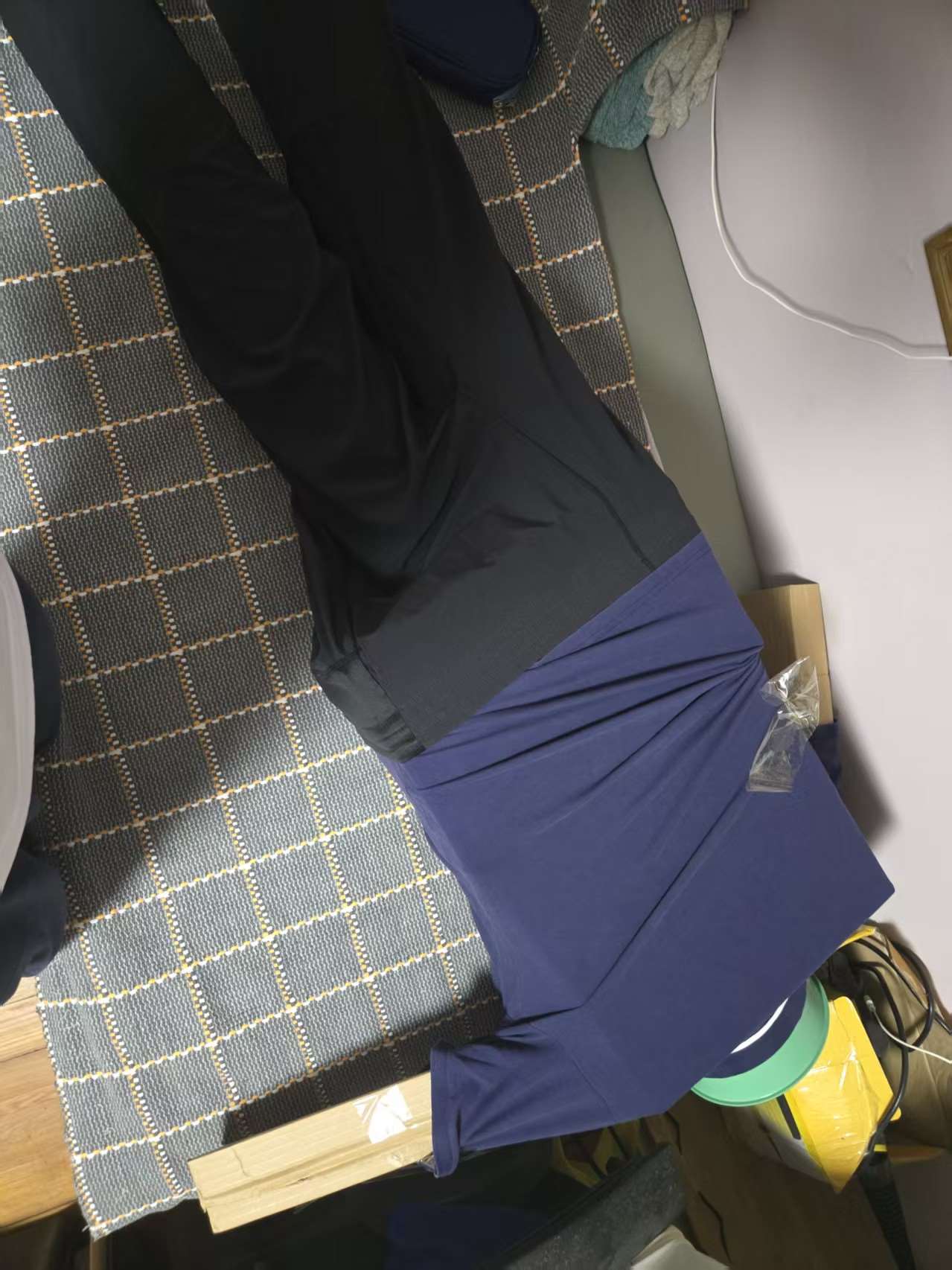
Figure 3: Side angle of the test dummy setup during drop testing.
The hardest part was tuning the detection algorithm. If the sensitivity is too high, the app triggers false alarms every time you put your phone down hard. If it is too low, it misses actual falls.
I spent a lot of time testing with different scenarios:
• Walking normally: no trigger
• Running: no trigger
• Dropping the phone onto a soft surface: no trigger
• Dropping the phone onto a hard floor: trigger (this simulates a fall)
• Sitting down quickly: no trigger
I collected data from each one, adjusted the thresholds, and tried again.
The Moment It Worked
When I finally tested it on myself, I simulated a fall by dropping my phone onto a cushion. The alarm started screaming, and so did I, because I did not expect it to be that loud.
That was when I knew this was not just an assignment anymore. It was something I actually cared about.
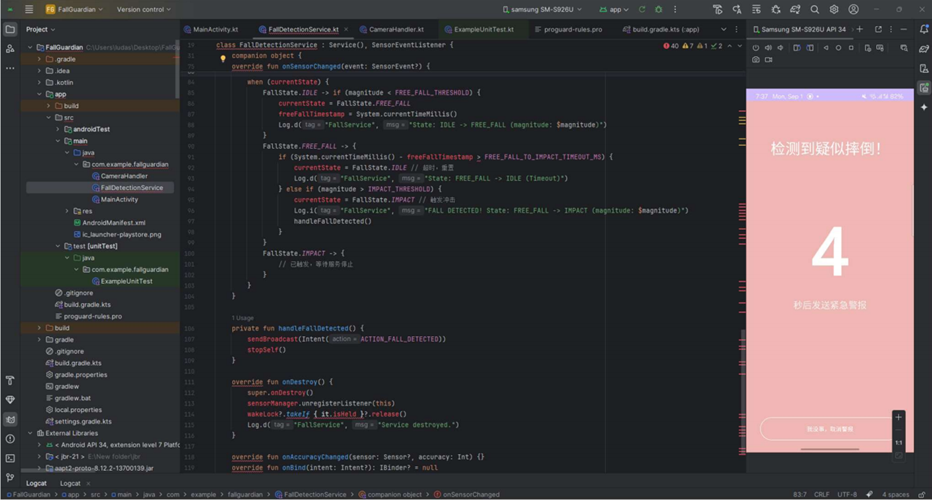
Figure 4: FallGuardian background service and emergency countdown UI.
What I Learned
This project showed me that technology does not have to be expensive to be useful. A $400 Apple Watch can detect falls, but a free app on an old phone can do something similar.
I also learned about the gap between a working prototype and a real product. My app works in controlled tests, but it is far from ready for real-world use. Real fall detection systems use machine learning, multiple sensors, and extensive training data. Mine uses simple threshold-based detection.
But for a high school student with a phone and a weekend, I think it is a reasonable start.

Figure 5: Automated emergency SMS alert sent to family contacts upon fall confirmation.
- Title: [安全警报] / [Safety Alert] Possible fall detected!
- Body: 现场照片已拍摄。位置信息 / On-site photo captured. Location coordinates included.
- Timestamp: 8:02 PM